Creating QR codes
How to make a QR code for a Google Form
Publish your Google Form, copy the responder link, then turn it into a QR code with Chrome's built-in tool. Includes the settings that stop scans failing.
Turn a link, Wi-Fi network or document into a QR code that works first time.
Publish your Google Form, copy the responder link, then turn it into a QR code with Chrome's built-in tool. Includes the settings that stop scans failing.
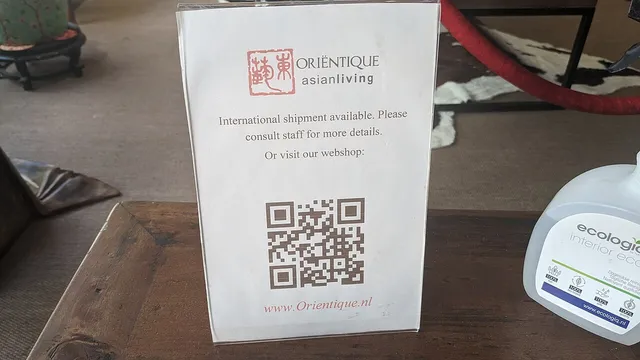
Turn any web link into a QR code using tools already in Chrome or Edge, or any generator, then test it properly before you print or share it.
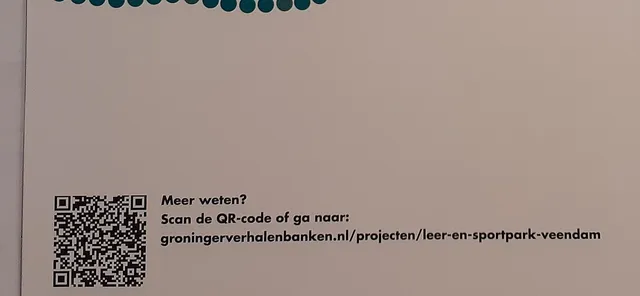
A QR code can't hold a PDF file. Learn how to put the PDF online with a public link, turn that link into a QR code and keep it working when the file changes.
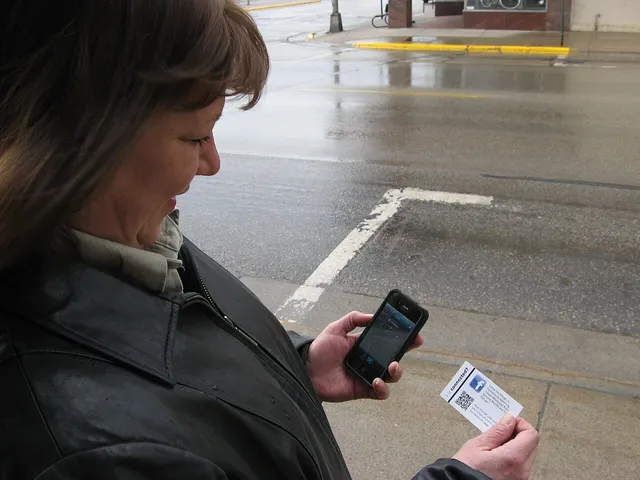
Choose between a contact (vCard) QR code and a link, size it for a 3.5 x 2 in or 85 x 55 mm card, place it well and test it before you order prints.
Word for Windows can draw a QR code itself with the DisplayBarcode field. Here is the exact syntax, useful switches, and the image method for Mac and web.
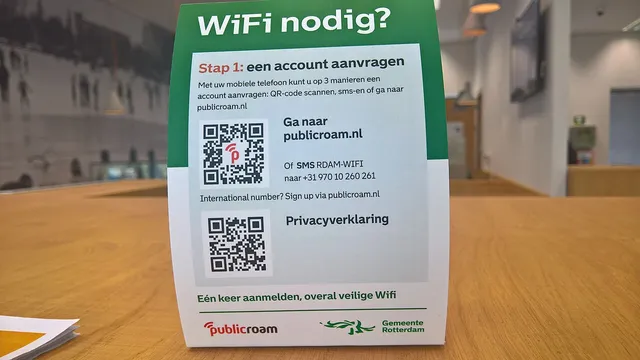
Make a QR code that lets guests join your Wi-Fi without typing the password, using your phone’s built-in sharing or the standard WIFI text format.