Scanning
Read any QR code on iPhone, Android, a computer, a screenshot or a photo, and fix codes that won’t scan.
7 guidesIndependent editorial guides · by DPR Software Labs
Step-by-step guides for scanning, making and printing QR codes, plus the security advice you need before you point your camera at one. No jargon, no fluff.
Read any QR code on iPhone, Android, a computer, a screenshot or a photo, and fix codes that won’t scan.
7 guidesWhat the squares mean, where QR codes came from and how they differ from barcodes.
6 guidesFind, share and scan QR codes in Instagram, WhatsApp, LinkedIn, Venmo, PayPal, eSIM setup and more.
9 guides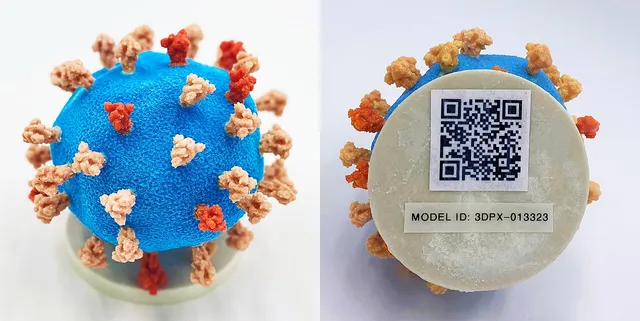
Get strong contrast with a two-colour filament swap, size the squares for your nozzle, keep the quiet zone and test a small tile before the full part.
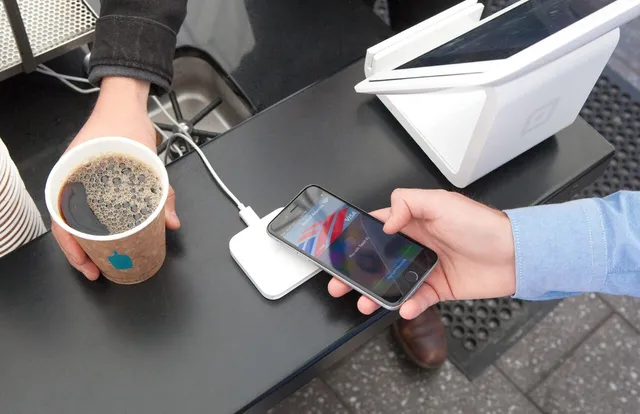
Apple Pay has no personal QR code to share, but you can scan a checkout code on a Mac, PC or non-Safari browser to pay with your iPhone. Here's how.
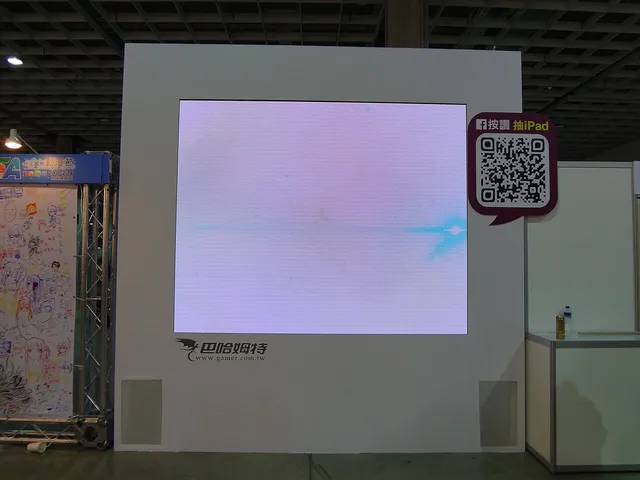
A QR code itself never expires, but the link or service behind it can. Learn why codes stop working, how to tell which kind you have and how to avoid it.
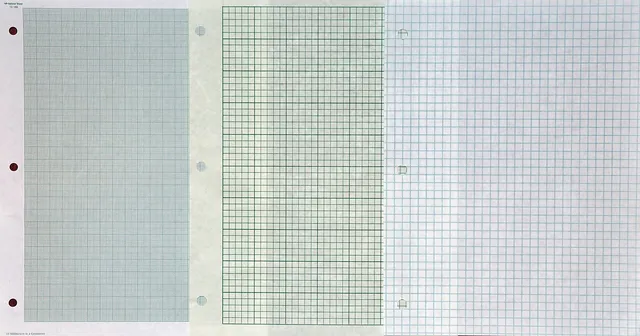
Yes, a hand-drawn QR code can scan. Copy a generated code square by square onto grid paper, keep the quiet zone and contrast, then test it with your phone.
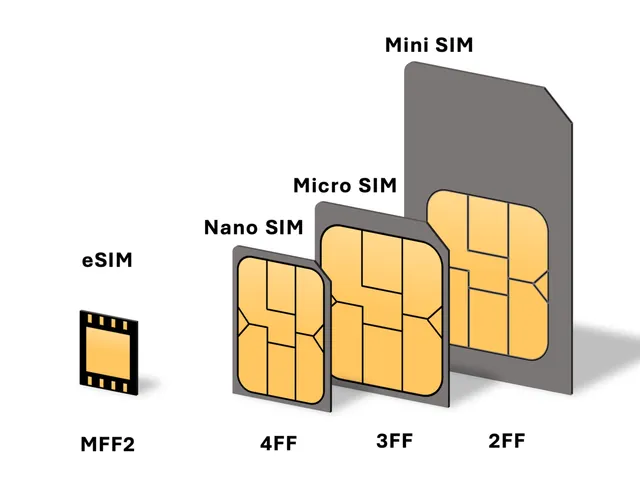
Where your eSIM QR code comes from, how to scan it on iPhone, Pixel and Samsung, what to do if it's in an email on the same phone, and why not to delete it.
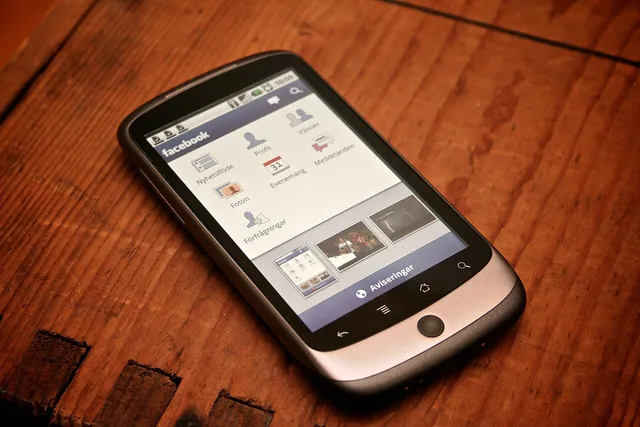
Which Facebook QR codes are built in (groups and Messenger), how to make one for your profile or Page from its web address, and how to scan them safely.
Publish your Google Form, copy the responder link, then turn it into a QR code with Chrome's built-in tool. Includes the settings that stop scans failing.
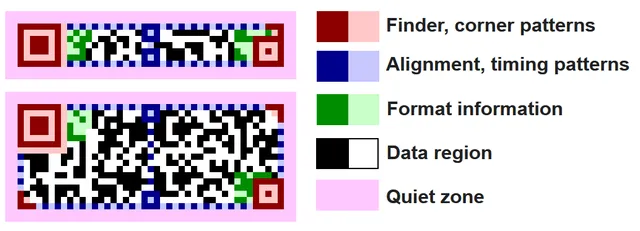
How a QR code stores data and how your phone reads it: finder patterns, versions 1 to 40, error correction levels L, M, Q and H, capacity and the quiet zone.
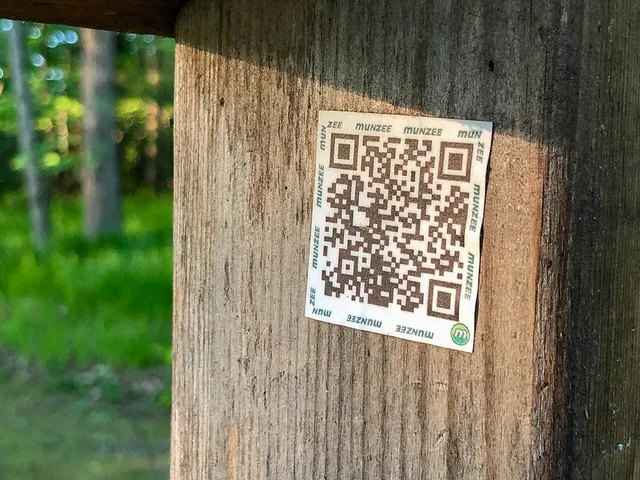
Choose the right file type, size, resolution, paper and finish for printed QR codes, and use our pre-print checklist so a whole run doesn’t go to waste.