QR code vs barcode: what is the difference?
QR codes and barcodes compared: how much data each holds, how they are scanned, error correction, size and which one to use for products, links or inventory.
Add LearnQRCode as a preferred source on Google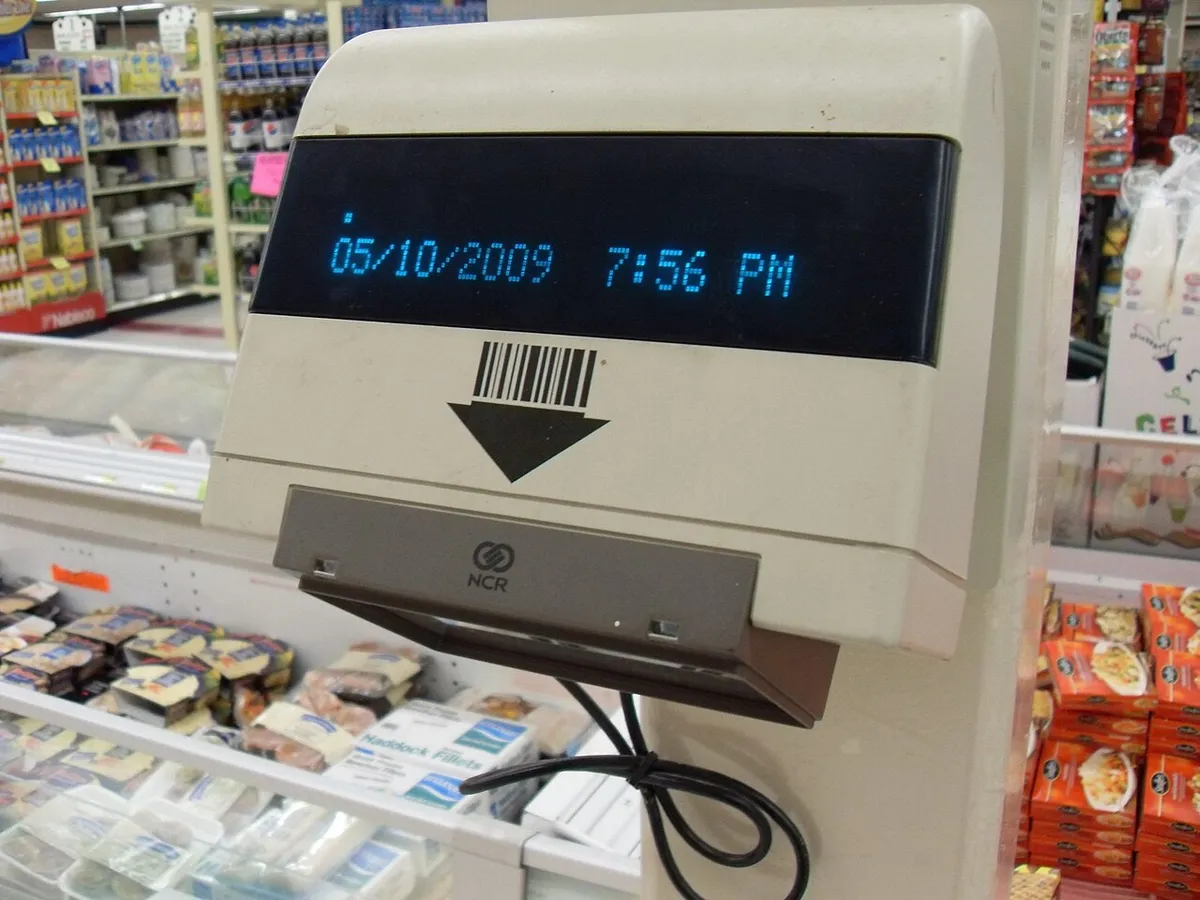
Quick answer
- A barcode (1D) stores a short number in a row of lines; a QR code (2D) stores data in a grid, so it holds far more.
- QR codes read from any angle and repair minor damage; phone cameras read them without extra apps.
- Use a barcode for retail checkout today, and a QR code for links and richer information.
At a glance
- 1Barcode: 1D, a short numberUPC-A holds 12 digits
- 2QR code: 2D, much more dataUp to 7,089 digits
- 3QR reads from any angle
- 4Retail checkout still uses barcodes
In this guide
A QR code is technically a kind of barcode, but the two were built for different jobs. Here they are side by side.
The core difference: one dimension or two
A barcode is 1D: data lives in the widths of vertical bars and spaces, read in a single line. Bar height carries no data; it just gives the scanner more room.
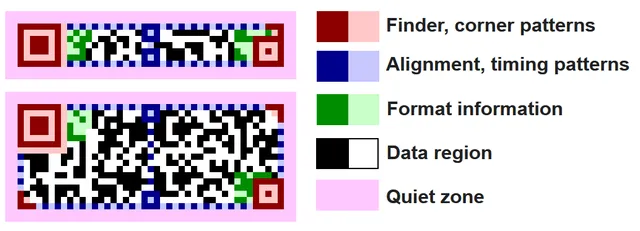
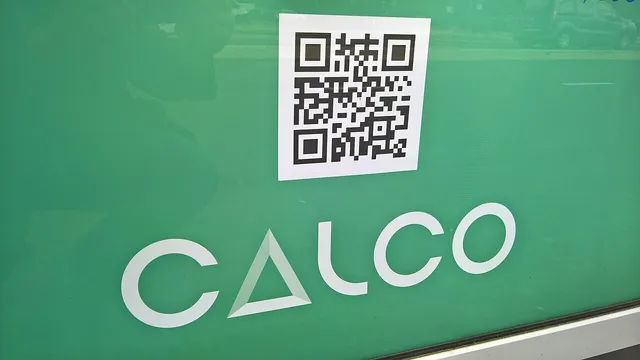
A QR code is 2D: data lives in a grid of small squares, read across and down, so it holds much more in a small space.
Side-by-side comparison
| Barcode (1D, e.g. UPC-A) | QR code (2D) | |
|---|---|---|
| Shape | Row of vertical lines | Square grid of modules |
| Typical data | A product number (UPC-A: 12 digits) | Text, web addresses, Wi-Fi details, contact cards |
| Maximum capacity | Around 20 characters, per DENSO WAVE | Up to 7,089 digits or 2,953 bytes |
| Reading direction | Along the bars | Any angle (360°) |
| Error correction | Check digit only (detects errors, can’t repair them) | Reed-Solomon; restores roughly 7% to 30% of data |
| Scanner needed | Laser or image scanner; many phone apps | Image scanner or a phone camera |
| Typical home | Retail checkout, shipping labels | Phones: links, payments, tickets, menus |
| Standard | GS1 standards (UPC/EAN) for retail | ISO/IEC 18004 |
How much data does each hold?
A US grocery barcode is usually a UPC-A: 12 digits identifying the product and manufacturer, per GS1 US. The shop’s system looks the number up to find the name and price.
A QR code carries the information itself: up to 7,089 digits or 2,953 bytes, enough for a full web address or Wi-Fi credentials with no database. See how QR codes work.
Scanning: angle, damage and devices
- Angle: a barcode must be scanned roughly along its bars (hence cashiers twisting items). A QR code’s corner squares let it read from any direction.
- Damage: a barcode’s check digit detects a misread but can’t fix it. A QR code’s error correction can decode a smudged or torn code, an advantage GS1 US also notes.
- Devices: older laser scanners read only 1D barcodes; image scanners and phone cameras read both. See how to scan a QR code.
Size
For the same data, a 2D code is usually much smaller, which suits small parts, medicine packs and tickets. But a QR code packed with data has tiny modules and must be printed larger. See QR code size.
Are barcodes being replaced?
Not soon. GS1 US says 1D barcodes will coexist with 2D codes. The retail initiative Sunrise 2027 aims for checkout scanners to read 2D codes carrying batch numbers, expiry dates and links. Until then, many products carry both.
QR codes aren’t the only 2D codes
- Data Matrix: compact square code on small parts, electronics and healthcare packaging (GS1 uses GS1 DataMatrix).
- PDF417: stacked rectangular code on ID cards and shipping documents.
- Micro QR Code: DENSO WAVE’s smaller cousin for tight spaces.
These need a 2D-capable scanner and phone support varies, which is why the standard QR code dominates public use.
Which should you use?
Barcode when:
- Retailers require a UPC or EAN barcode.
- You only need to identify an item your system already knows.
- Your scanners are laser-based.
QR code when:
- People will scan it with their own phones.
- You want to store a web address, contact details or Wi-Fi credentials.
- You need more data in a small space, or the code may get scuffed.
Both when you sell retail products and want shoppers to reach more information online. Next: how to make a QR code for a link.
Key points
- Barcodes are 1D and hold a short number; QR codes are 2D and hold much more.
- QR codes read from any angle and repair minor damage; barcodes can’t.
- Retail checkout still runs on barcodes, though 2D is coming.
- For anything scanned with a phone, a QR code is usually right.
Frequently asked questions
- Which is better, a QR code or a barcode?
- Neither is better for every job. A barcode is the established choice for retail checkout and only needs to carry a product number. A QR code is better when you want to store more information, such as a web address, or when people will scan it with a phone.
- Can I use a QR code instead of a barcode on my products?
- Not yet for most retail checkouts. Many point-of-sale scanners still expect a UPC or EAN barcode. GS1, the organisation behind product barcodes, is working toward checkout scanners reading 2D codes by the end of 2027, and in the meantime many products carry both.
- Are QR codes and barcodes the same thing?
- A QR code is a type of barcode, specifically a two-dimensional one. In everyday use, “barcode” usually means the one-dimensional striped kind found on groceries.
- Can a barcode scanner read a QR code?
- Only if it is a 2D-capable (image-based) scanner. Older laser scanners read 1D barcodes only. Most smartphone cameras can read both QR codes and common barcodes.